❌ Vanished 0.4mm Slicer Walls
↓ 1-Click Fix
✅ Stepped 0.42mm Clay Blade & FDM Nozzle Guard
Conditions thin walls (≥0.45mm) and builds stepped 0.42mm Arachne cutting lips so fine lines never disappear in Bambu or PrusaSlicer.
Turn logos, photos, 3D sculptures, minted coins, and arched text into 1:1mm 3D stamps, clay cutters & M5/M8 brass dies (.STL), Cubic Bezier laser/vinyl vectors (.SVG / .DXF), and steel-rule clicker dies — complete with 17 boutique outer silhouettes in one studio.
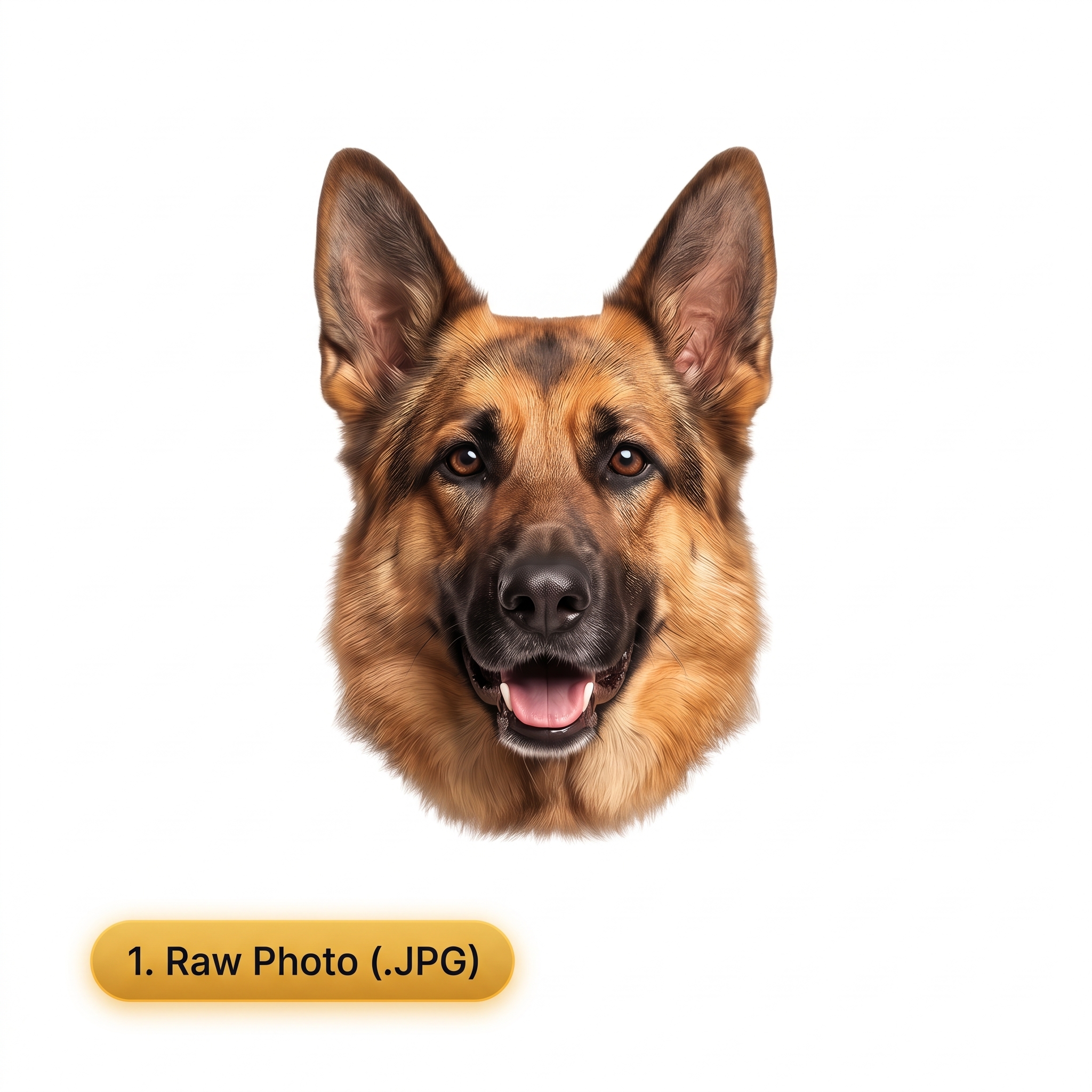
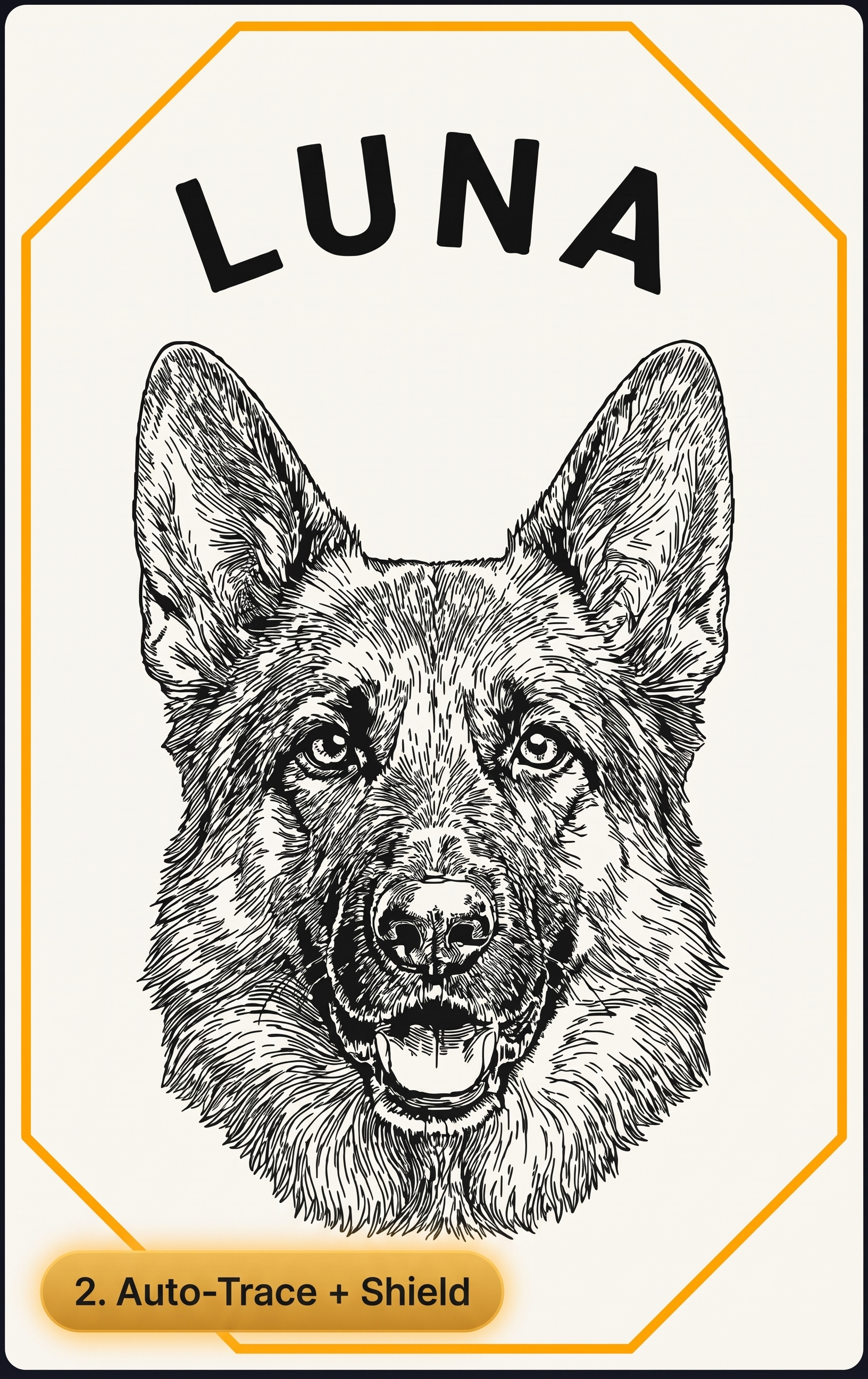
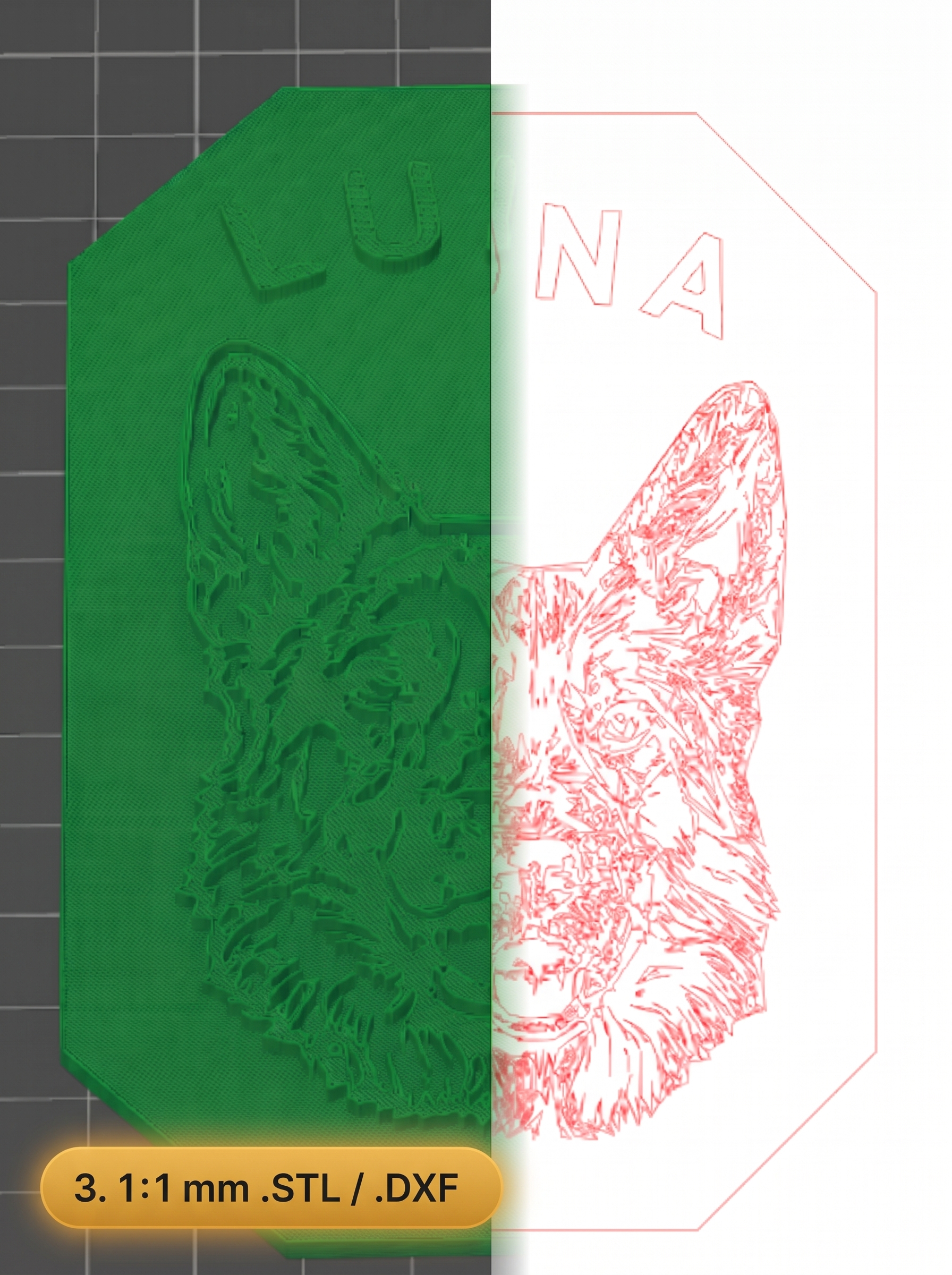
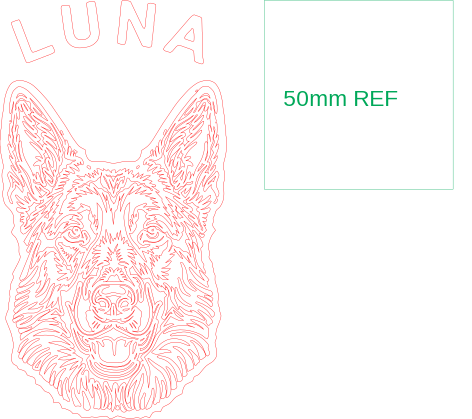
Click your machine below to launch Pixel2Path Studio pre-calibrated with dedicated Step 2B tool functions and 17 stamp & cut silhouettes.
.STL
⚡ Laser Engraver
Rubber Stamps, Stitch Hat Patches, Keychains & Stencils
.SVG (Default) • .DXF
✂️ Vinyl Plotter
Decals, Sticker Halos, Easy-Weed Boxes & Mylar Stencils
.SVG (Default) • .DXF
🗜️ Clicker Die
Steel-Rule Cutouts, Stitch Punches & Fold-Over Key Fobs
.DXF (Default) • .SVG
🔩 CNC / Brass Die
V-Carve Vectors, M5/M8 Tap Bores & 12° Draft 3D Solids
.DXF (Default) • .STL • .SVG
Conditions thin walls (≥0.45mm) and builds stepped 0.42mm Arachne cutting lips so fine lines never disappear in Bambu or PrusaSlicer.
Generates evenly spaced 1.1mm laser & 1.2mm punch loops along any patch silhouette on dedicated STITCH_HOLES and cut layers.
Automatically mirrors rubber stamps, wax seals, brass dies, and 2-part stamp faces so every pressed impression reads forward on the first try.
STEEL_RULE_CUT)
✓ 0-Credit Intaglio-to-3D Relief & Shadow Delighting
Need full slicer settings, Step 2B tool presets, or CAD layer names? Open the Complete Pixel2Path Studio User Manual →
| Fabrication Requirement | Pixel2Path Studio (Ivolga Co.) | SplitSTL / MeshShift | Inkscape + Tinkercad | Draw DXF |
|---|---|---|---|---|
| Unified 2D + 3D Output | .STL + Cubic Bezier .SVG + R2010 .DXF in 1 click | 3D-focused | Requires 2–3 separate apps | 2D DXF/SVG focused |
| Step 2B Boutique Shapes & Pro Tools | 17 outer silhouettes + Clay Cutters, Stitch Patches, Keychains & M5/M8 Tap Bores | Basic shapes only | Manual CAD modeling | Manual path drawing |
| Steel-Rule Clicker Die Mode | STEEL_RULE_CUT + 1.2mm STITCH_HOLES + Fold-Over Key Fobs |
Not built for clicker dies | Manual node editing | Manual path editing |
| 3D Nozzle Guard & Surface Modes | ≥0.45mm wall / ≥0.52mm groove guard + Raised, Recessed Seal & Shaped 3D Bas-Relief | Standard extrusion | Thin lines vanish in slicer | N/A (2D only) |
| Banknote, Coins & 0-Credit Cleaners | Intaglio-to-3D Relief + True Coin Table Lock + Checkerboard/Notebook Cleaners | Varies by tier | Manual bitmap trace | Standard trace |
| Outer BBox Tolerance | Post-filter 1:1 mm outer lock (±0.05mm) + Auto-Width & Bed-Fit Guards | User-scaled | DPI scaling drift (72/96 DPI) | Millimeter CAD |
Pixel2Path Studio by Ivolga Co. combines 1:1 millimeter geometry with Step 2B Tool Functions and up to 17 Boutique Stamp / Cut Silhouettes (Standard & Rounded Rectangle, Circle / Medallion, Oval, Contour Offset, Shield / Crest, Hexagon, Octagon, Perforated Postage Stamp, Wavy / Scalloped, Ticket Stub, Apothecary Plaque, Organic Signet Pebble, Swallowtail Banner, Curved Pottery Arc, Hanko Chop & 0mm Flush Tile):
OUTER_BORDER_CUT), 🧵 Stitch-Hole Leather Hat Patches (engrave + 1.1mm stitch holes on STITCH_HOLES + outer cutline), 🔑 Auto-Welded Keychain / Tag Cutlines (4.5mm ring tab), 🎨 Framed Spray Stencils (overspray border + 1.6mm holding bridges), and 🏛️ Classical Banknote 45° Cross-Hatch & Steel-Plate Intaglio in tangent-continuous Cubic Bezier .SVG (0.0882mm / 0.25pt hairline) or R2010 .DXF for LightBurn, Glowforge, and xTool..SVG for Cricut & Illustrator or 1:1mm .DXF for free Silhouette Studio Basic Edition.STEEL_RULE_CUT layer with bend-safe silhouettes), 🧵 Leather Patch Dies + 1.2mm Tube Stitch Punches (STITCH_HOLES layer), and 🔑 Mirrored Fold-Over Key Fob Dies (automatic symmetry + strap slot).RAISED_RELIEF & BASEPLATE_CUT) and 8.0mm heavy-stock 3D .STL models including 🔩 M5 (Ø 4.20mm) & M8 (Ø 6.80mm) Rear Blind Tap Bores for heated branding irons and arbor presses, 📐 12° Draft-Tapered V-Bit Relief Dies, 🔽 Brass Wax-Seal Cavities, and 🗿 3D Machined Coins / Medallions.Test any of the 23 machine modes free with a 25mm 75% Cutaway Proof first. All deterministic 100% uncut .STL, .DXF, and .SVG exports use 0 credits and are unlimited on paid passes.
.STL, .DXF, or .SVG)0.42mm Arachne blades, 0.70mm clearance, tap bores & 1:1 mm scale.STL, .DXF & .SVG)TPS-XXXX-XXXX, 1 active device; 24-hr clock starts at checkout).STL, Cubic Bezier Compound Path .SVG (0.0882mm / 0.25pt hairline), or R2010 .DXF (0.09mm hairline).
.SVG is the default for Laser Engravers and Vinyl Plotters (Cricut Design Space, Adobe Illustrator, LightBurn, Glowforge)—it exports tangent-continuous Cubic Bezier curves as a unified <Compound Path> with inner holes pre-grouped (fill-rule="evenodd") in a 1:1 millimeter viewBox with an exact 0.0882mm (0.25pt) hairline stroke, plus dedicated paths for outer borders and stitch holes. .DXF is the default for Clicker Dies and CNC / Brass Dies (AutoCAD, SolidWorks, Fusion 360, Vectric VCarve, die-board lasers) and for free Silhouette Studio Basic Edition, exporting closed R2010 LWPOLYLINE loops (lineweight=9 / 0.09 mm hairline) across dedicated layers (LASER_OR_CUT_PATHS, OUTER_BORDER_CUT, STITCH_HOLES, STEEL_RULE_CUT, RAISED_RELIEF, BASEPLATE_CUT).
.STL, .DXF, or .SVG) are 100% free across all 23 modes—including Polymer Clay Micro-Cutters, 2-Part Cutter + Stamp pairs, Recessed Cavity Seals, and M5/M8 Threaded Brass Dies (each free proof exports an intentional 1-quadrant cross-section cutaway so you can verify 0.42mm Arachne blades, 0.70mm stamp clearance, tap-bore depth, and closed 2D kerf paths before unlocking a pass, while ultra-dense graphics verified at larger widths are protected from 25mm shrink fusion). On paid passes ($8 24-Hr Craftsman Pass with 25 credits, or $25/mo Studio Monthly with 150 credits/month resetting every 30 days with no rollover), all deterministic tracing, 0-credit Intaglio-to-3D-Relief conversion, Banknote hatching, custom arched text, all Step 2B tool presets & silhouettes, and 100% uncut 1:1 mm .STL, .DXF, and .SVG downloads use 0 credits and are 100% unlimited. Only using the Advanced Vision Pipeline for shadow delighting / background cleanup or Banknote Intaglio transformation uses 1 credit at most once per uploaded image.
TPS-XXXX-XXXX). Paste that key into the app on your Windows PC or Mac to transfer your unlocked session and remaining credit balance instantly. Passes include Single-Device Active Session Lock protection (1 active device at a time—entering your key on a second device seamlessly transfers your session and signs out the previous device, while verifying on the CAD Vault or AI Troubleshooter never logs out your studio session).
25 MB raster / 2 MB SVG with magic-header & XML sanitization) and generated CAD files are processed in volatile memory (RAM) during your active session and automatically purged—never permanently stored, shared, or published. Payments run via Stripe, pass counters via Supabase, and Advanced Vision via an encrypted enterprise vision endpoint that strictly never trains public models. See Privacy, Data Processors & Billing Terms for full details.
Upload your graphic in Pixel2Path Studio (or load the 1-click Golden Oriole or Christmas Tree demo) to preview all 23 tool functions & 17 silhouettes and download a Free 25mm 75% Cutaway Proof. Unlock 100% uncut full-scale 1:1 production anytime.